Get better. Stay maintained.
Your splits live on a stopwatch. Your round counts live in a notebook. Your spring-replacement intervals live in nobody's head. Calibrate puts practice sessions, drills, round counts, and service history in one log.
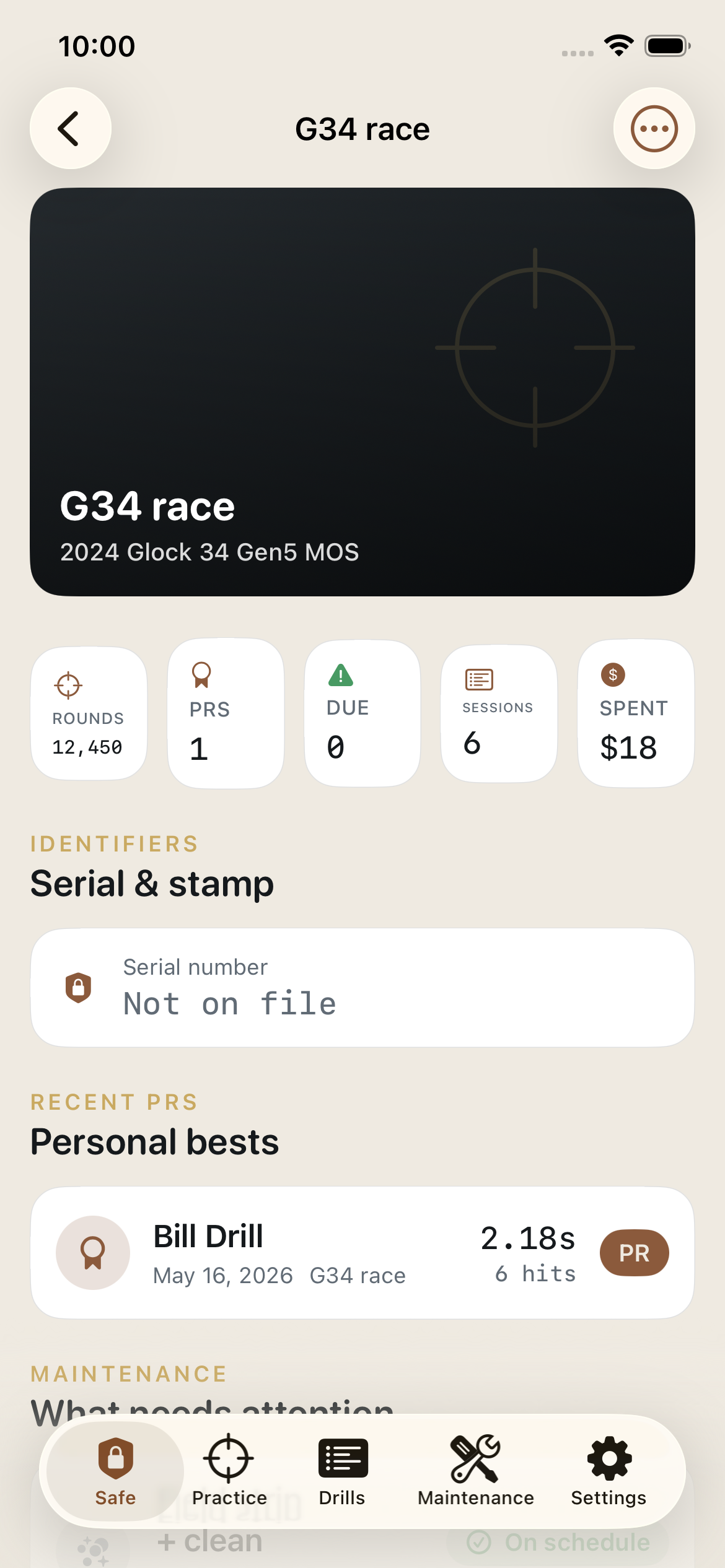
Each drill's time, score, or group size charted session by session, with personal bests flagged automatically.
Round counts and service history in one dated PDF for warranty claims, insurance, and your own records.
Records stay on your iPhone. Serials and tax stamps are encrypted on-device, and Face ID guards the vault. No account.
Built for the way shooters actually train and maintain.
Four small steps. One log that proves the work, on the range and on the bench.
Add your firearms
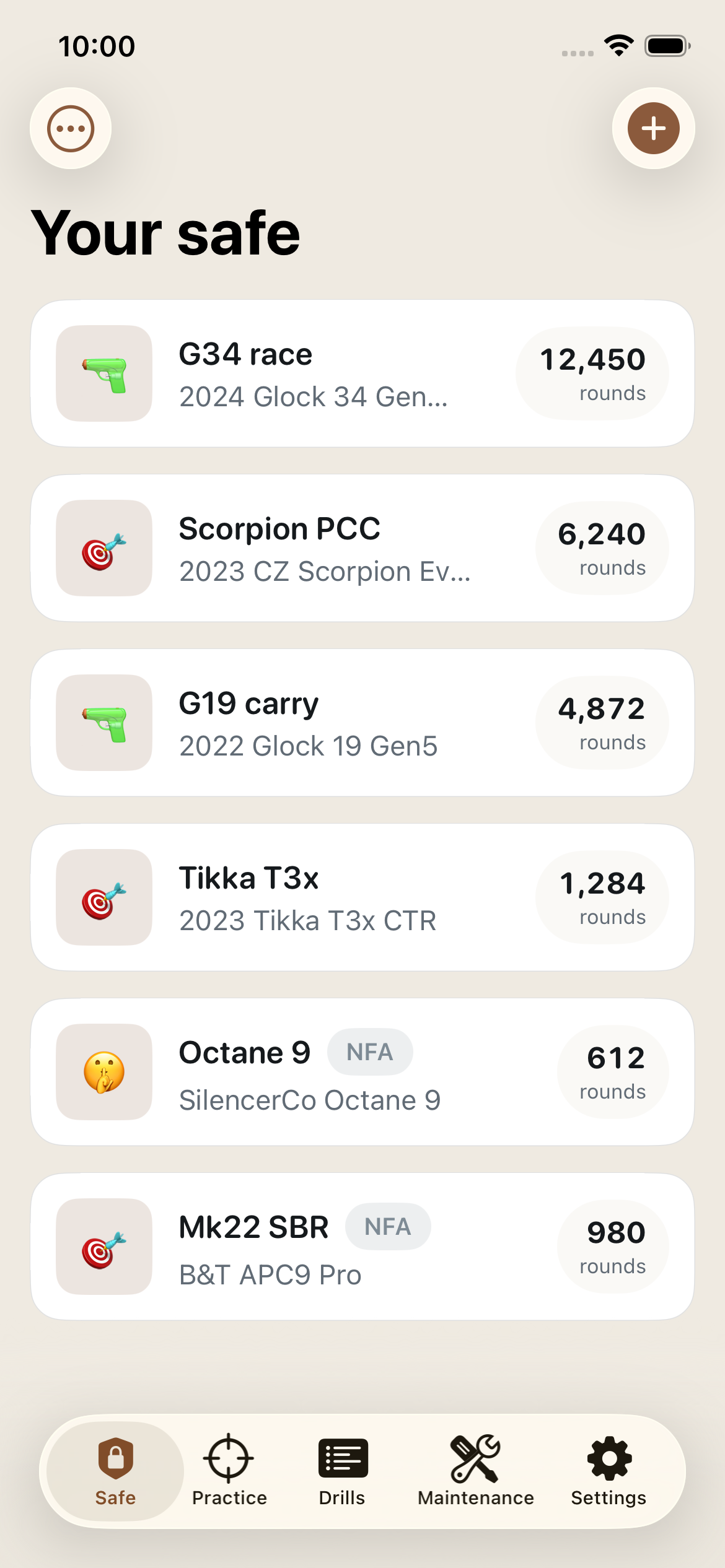
Type, make, model, caliber, photo. Serials and NFA tax-stamp numbers are encrypted on-device the moment you save them, and Calibrate can set up a suggested maintenance schedule for each type of firearm.
Log a practice session
Pick a firearm and, if you track it, the ammo lot. Run a drill from the library (B-8, Bill Drill, El Presidente, and more) or your own. When you finish, rounds are added to the firearm and deducted from the lot.
Stay ahead of maintenance
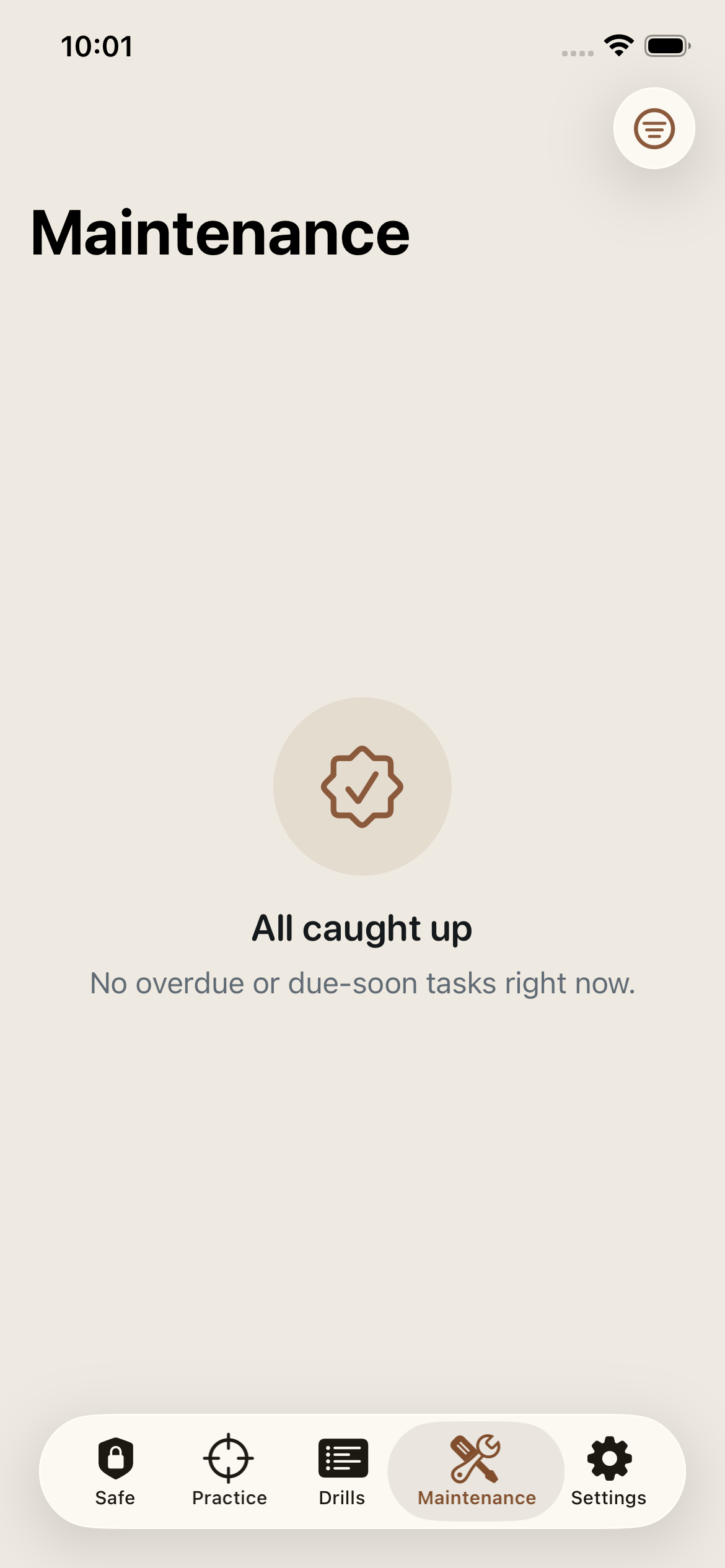
Set each task to come due by rounds fired (recoil spring at 5,000 rounds), by date (annual deep clean), or both, and every task shows what is left. Turn on reminders to get a notification on the day date-based service is due, and when logged rounds bring a task close to due.
Export your log
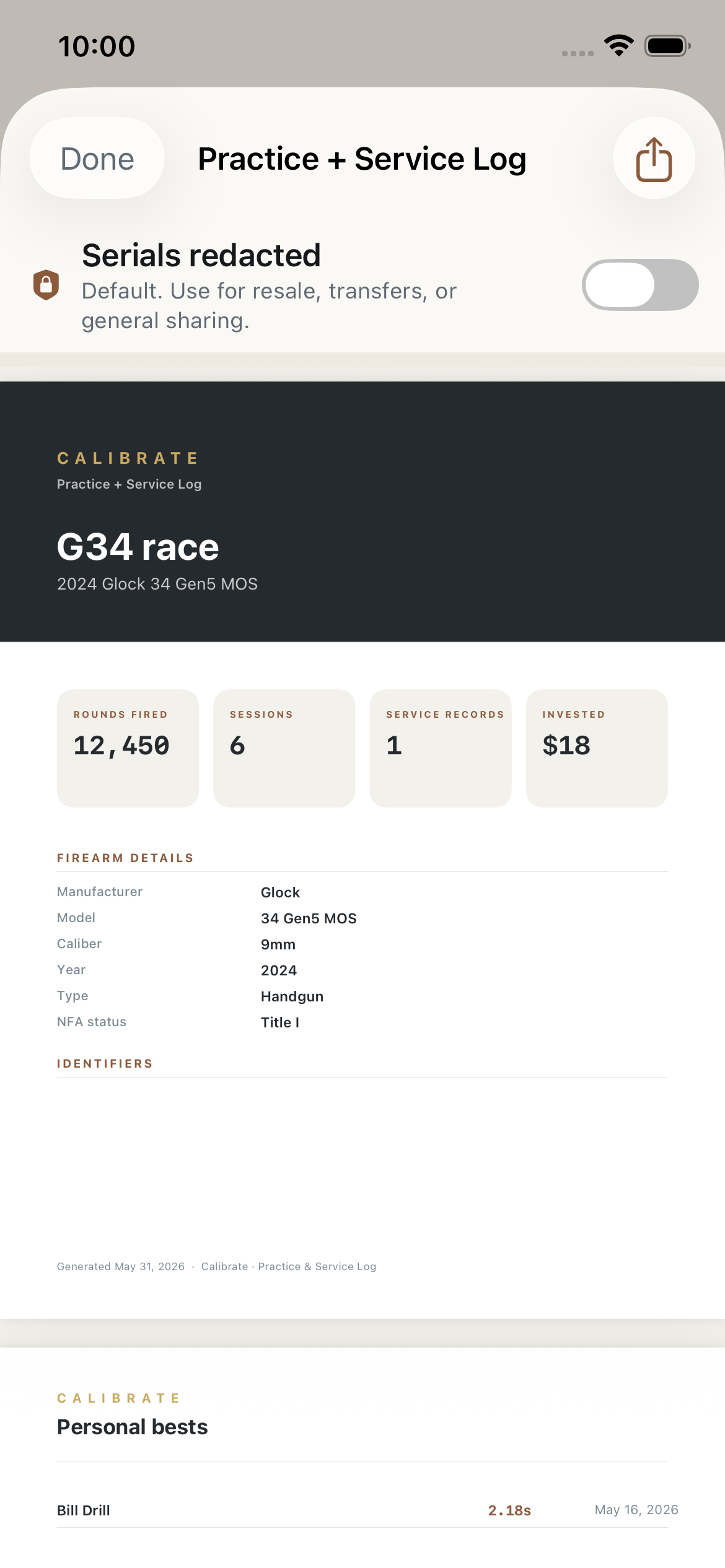
When it is time for a warranty claim or an insurance rider, export the Practice + Service Log PDF. Serials are redacted by default, with an optional reveal.
Everything you need.
Nothing tactical.
Drill library with real scoring
B-8, Dot Torture, El Presidente, Bill Drill, Mozambique, F.A.S.T., cold bore, plus dry-fire draw and reload drills. Record time, splits, hits, score, or group size, or build your own drill.
Skill-progress charts
Chart one drill's time, score, or group size session by session, filtered by firearm and date range, with your current best marked. Personal bests update themselves when you edit, back-date, or delete a result.
Per-firearm round counts
Every session adds its rounds to the firearm that fired them, warm-up rounds included, and round-based service intervals are measured against that count. Dry-fire drills never touch it.
Encrypted document vault
Manuals, receipts, tax stamps, transfer and trust paperwork, and insurance documents, encrypted on-device. Opening one asks for Face ID or your passcode.
NFA details
Suppressors, SBRs, and other NFA items carry their status, tax-stamp number (encrypted), stamp date, ATF form number, trust, and FFL in one place.
Practice + Service Log PDF
Firearm details, round count, personal bests, service records, and practice sessions in one paginated document, plus a CSV export. Serials are redacted unless you choose to reveal them.
Two outcomes worth logging for.
Get better, and see it. A chart of faster times, higher scores, or tighter groups is the clearest evidence that your practice is working, and good motivation to keep showing up.
Stay maintained, and document it. A recorded round count and a dated service history are what a warranty claim or an insurance rider asks for, and they make it obvious when a spring or an optic battery is due.
- Charts each drill's time, score, or group size, and flags personal bests
- Tracks service intervals by rounds fired, by date, or both
- Encrypts serials and tax-stamp numbers on-device
- Exports a dated Practice + Service Log PDF
- Keeps your records on your iPhone, with no account
Less than a box of match ammo.
Start free, with no time limit. Upgrade to Calibrate Pro when you outgrow it, with 7 days free before $19.99 a year.
Enough to log a season with a couple of firearms: sessions, round counts, and service history.
- Up to 2 firearms and 5 drills
- 20 service records per firearm
- Unlimited practice sessions and drill results
- Round counts and personal-best flags
- Maintenance tasks by rounds or by date, with reminders
- Ammo inventory that deducts rounds as you log sessions
- Encrypted serials and NFA details
- Full backup export and import
7-day free trial for new subscribers
Everything in Free, plus:
- Unlimited firearms, drills, and service records
- Skill-progress charts and the personal-best board
- Practice + Service Log PDF and CSV export
- Encrypted document vault
- Classifier history (USPSA, IDPA, Steel Challenge)
Calibrate Pro is billed through your Apple Account. The subscription renews automatically each year unless you cancel at least 24 hours before the end of the current period or free trial. Cancel anytime in iPhone Settings → your name → Subscriptions. See the terms.
Your records stay on your iPhone.
Serial numbers, tax stamps, and documents are the kind of data that should not sit in someone else's cloud. In Calibrate, they don't.
Serials and stamps are encrypted
Serial numbers, NFA tax-stamp numbers, and vault documents are encrypted on-device with CryptoKit before they are written to storage.
Face ID guards the sensitive parts
Revealing a serial, a stamp number, or a vault document asks for Face ID, Touch ID, or your passcode every time. Turn on the app lock to be asked when Calibrate opens, too.
No account, no server copy
There is no sign-up and no Calibrate server holding your records. Your firearms, sessions, and service history live in the app on your iPhone.
No ads, no tracking
No advertising or analytics SDKs, no tracking across apps, and no data sold or shared. Crash and error reports (Firebase Crashlytics) and feedback you choose to send are the only things that leave the device.
Works offline
Ranges are remote. Calibrate needs no signal to log a session, record a drill, or mark a service done.
Your data, exportable
Export a full backup file of everything any time, on any plan. With Pro, export a PDF and CSV for a single firearm too. It is yours.
A note on new phones: the encryption key lives in your iPhone's keychain and is not part of a Calibrate backup file, so encrypted serials, stamp numbers, and vault documents may not be readable after restoring on a different device. Everything else restores normally. Keep your original paperwork. Read the privacy policy.
Questions, answered.
What stays on my device?
Does Calibrate sync with iCloud?
Which drills are included?
Does it track NFA items?
Does it work on iPad?
How much does it cost?
Can I cancel anytime?
Backups, purchases, and deleting data are covered on the support page.
Your next range day
is worth logging.
Start free. When you want more, try Calibrate Pro free for 7 days, then $19.99 a year. No account to create.